
When you join or create a campaign, a widget is automatically set up for your organisation.
If your supporters speak more than one language, you don’t need to choose just one – you can add a separate widget for each language, and each one can be placed on the matching language page of your site.
- Go to the campaign you want to add widget to on the dashboard. For example, your latest.
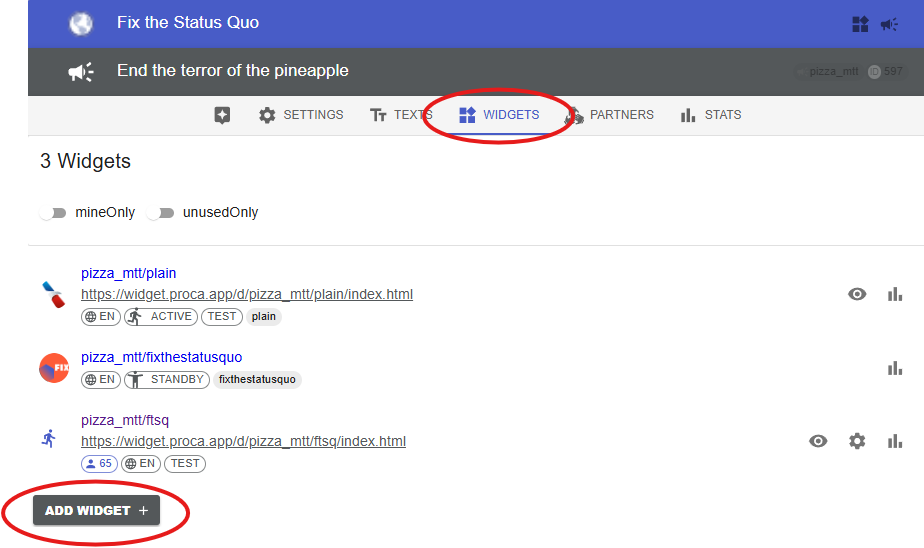
- Open the Widgets list.
- Click Add Widget and choose the languange.
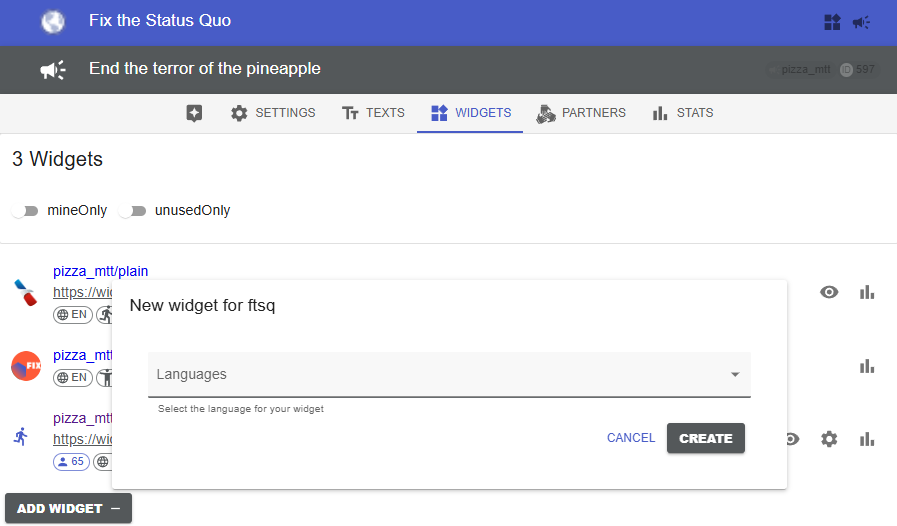
Choose a language for the new widget in a pop-up:
4. Once the widget is created, you will be automatically redirected to its Settings. Here you can still change the language, set a primary colour, add external supporters, or add a donation link. See how to customize the widget.
5. Save the changes.
Next: Test your widget and embed it on your website.
Read also: Update and translate campaign text