
Before promoting a widget to supporters, check that everything works. In test mode your actions are not processed, but you experience exactly what supporters will.
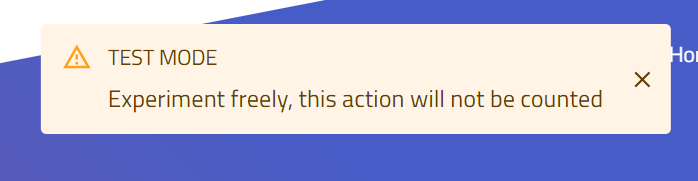
This pop-up confirms that widget is in the test mode.
You can also do it directly by adding ?proca_test to the end of the URL. For our example petition: https://fixthestatusquo.com/demonstration/petition?proca_test
If you are testing an MTT campaign, the letters are sent to the email address entered in the widget (instead of the targets’ addresses).
Permanent test mode
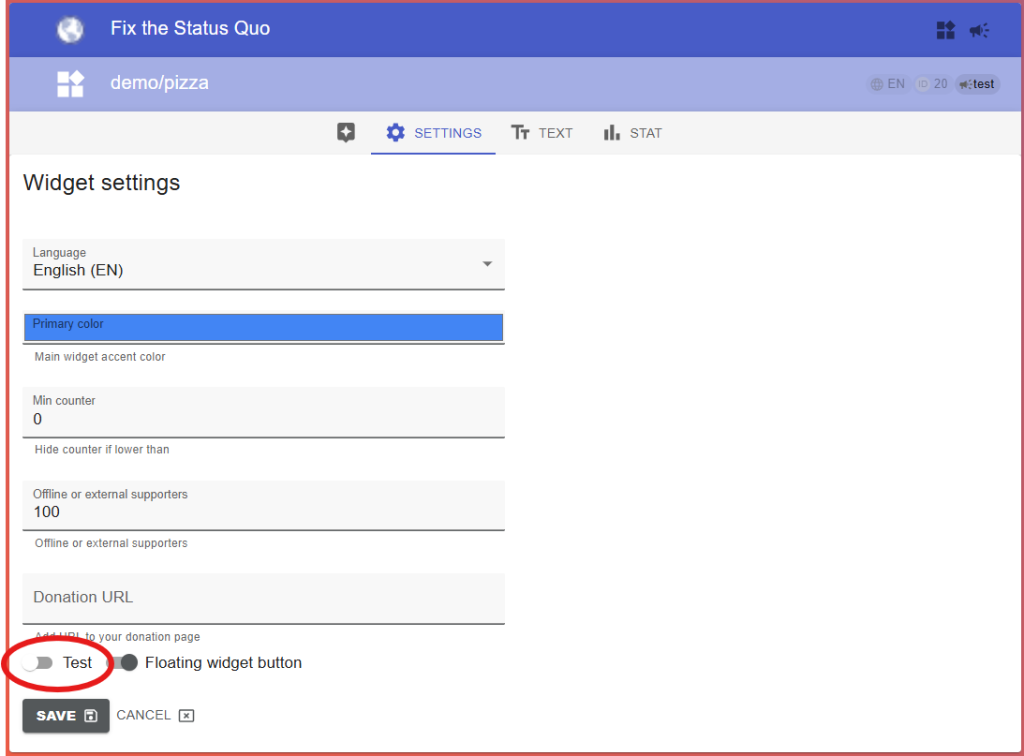
You can set the widget to always be in test mode on its Settings tab. Don’t forget to hit “Save” after toggling, and to switch it off before the real campaign.
To test one specific step of the widget without completing the whole flow, see the widget URL parameters reference.
Read also: Customize widget