
Widgets do not automatically pick up changes. After changing campaign configuration, campaign texts, translations, or widget settings, you must rebuild each affected widget for the change to appear.
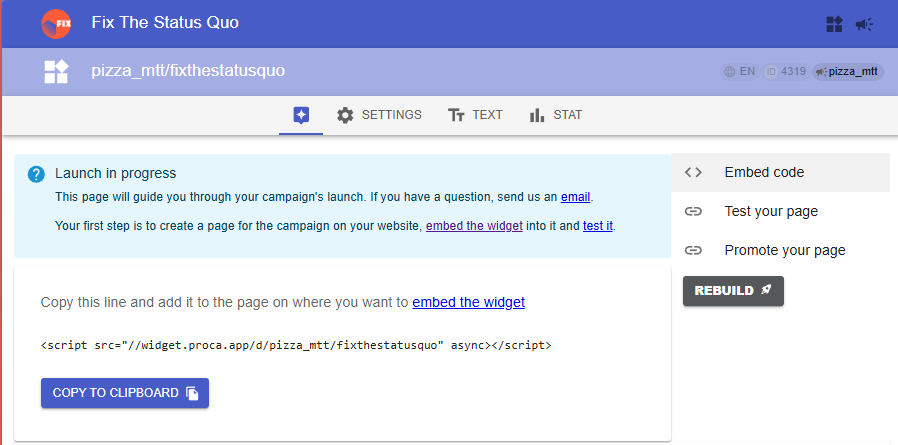
- Open the widget’s main page on the dashboard (https://we.fixthestatusquo.org/widget/ID).
- Click the Rebuild button on the right.
- Wait a couple of seconds for the rebuild to finish.
Still seeing the old version? That is almost always your browser cache –hard-refresh the page. The dashboard Demonstration is cached too.
See also:
Customize widget
See the latest version of your widget (Refresh browser cache)