
A widget on Proca is made up of three layers of text. Each layer overrides the one below it, and each is edited in a different place.
Layer 1: Weblate (all widgets, all users)
The foundational store of all strings used in Proca, in all languages, for all widgets by all users. It is set for all widgets by default. Changes here should only correct errors or make general improvements – never campaign-specific styling. Some phrasings intentionally match official sources (e.g. European Commission language).
Layer 2: Campaign text (one campaign, all partners)
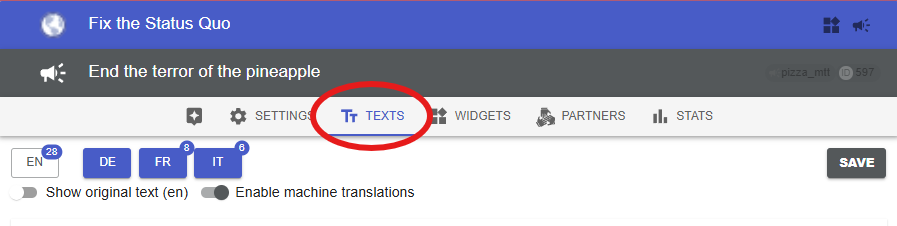
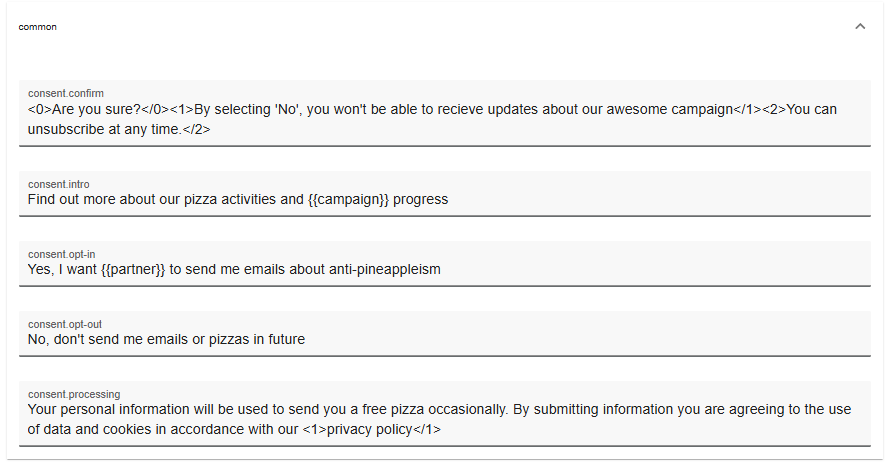
Editable in the dashboard in the campaign’s Texts tab. Per campaign – one common digital action, possibly with multiple organisations and widgets. Takes precedence over Weblate: update and translate campaign text. If you want to edit something not listed there, contact us.
Layer 3: Widget text (one widget)
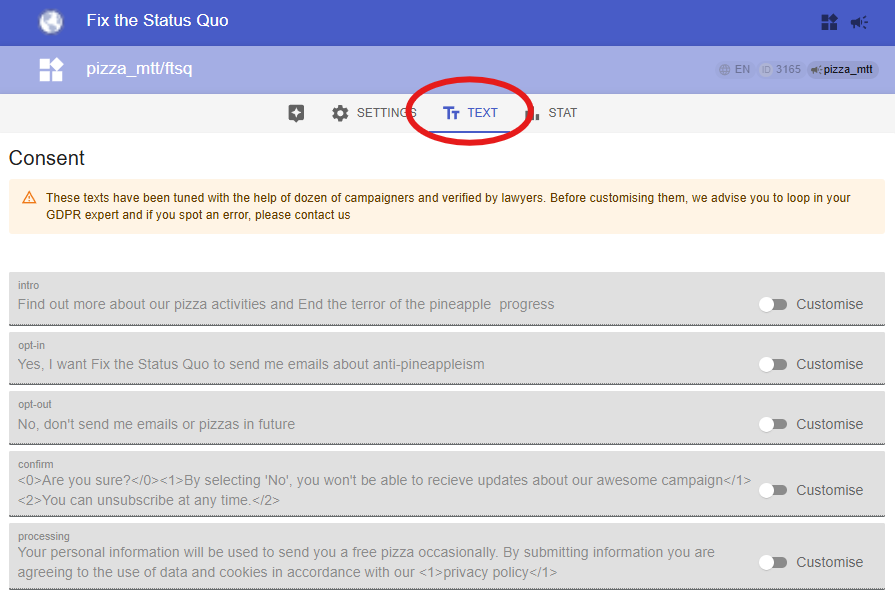
Set per widget in the widget’s Text tab, or with proca-text HTML tags on the embedding page. Takes precedence over both layers below: customise widget text.
Why wording matters
Widget text is seen by tens of thousands of people – even 1% getting confused is a problem. Keep it as easy to understand as possible; this short guide on writing user interfaces is worth the few minutes.