
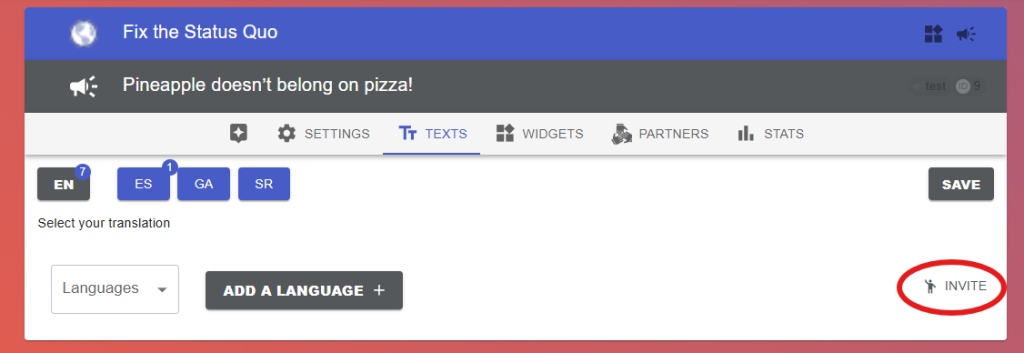
If a colleague should help translate the campaign text or MTT letter into their native language, use the translator invitation. The invitation includes a short description of the campaign and the task they’ll be helping with.
The Invite (translator) option is at the bottom of the campaign’s Texts tab, next to Add Language.
Enter the email address of the person to invite; optionally personalise the message. Click “Send”.
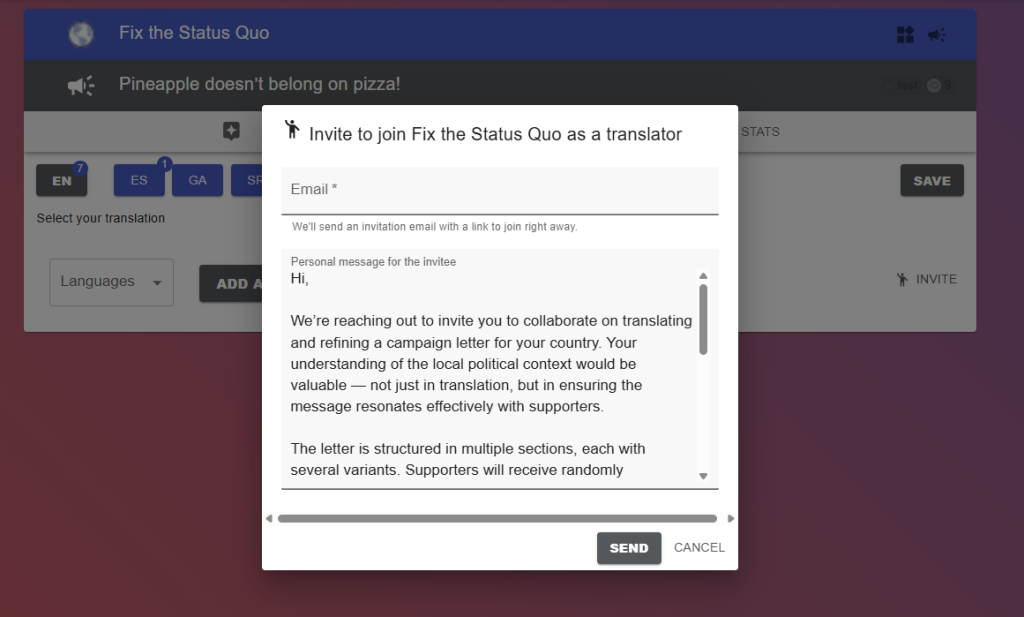
The invitation is valid for 24 hours and only for the email it was sent to.
How translating works once they’re in: translate campaign text.